Andrew Sound, Georgia.
Can you spot the source diagram on the chart?
From Medium by Anthony Klemm
Why raster attribute tables depicting geospatially distributed metadata and bathymetry is a match made in hydro-heaven that will turbo-charge data-driven maritime navigation.
Disclaimer: These views represent my own personal thoughts on this subject as a private citizen, and do not represent the views of NOAA or the US Government.
I. Introduction
Although I feel that it’s an overall healthy thing that official NOAA paper nautical charts have rode off into the sunset to make way for newer electronic versions, I sometimes still miss the thoughtful cartographic touches and historical legacy of old paper charts.
One thing I don’t miss is an interesting item of “chart furniture” called the source diagram, which isn’t present in modern electronic files.
Tucked away in a corner, this patchwork of what often looked like hand-drawn polygons was the only way to gauge the quality of the seafloor data beneath their keel.
A pilot navigating a channel had to mentally cross-reference their position with this diagram, trying to decipher if the soundings in one area were from a 1930s lead-line survey or a multibeam sonar survey from 2011.
It was a generalized solution that offered a vague sense of confidence but little in the way of concrete, queryable data.
Plus, it was a bit onerous to use.
Today, we are moving into the world of modern electronic navigation with the S-100 standard.
High-resolution bathymetry, delivered as an S-102 data product, can now be displayed directly on a vessel’s navigation screen.
This gives pilots and mariners an unprecedented view of the seafloor.
But it also raises the old question in a new, more urgent way.
I was recently part of a discussion with some fellow NOAA scientists that were working with harbor pilots testing these new S-102 products.
A consistent point of discussion is the “survey vintage” of any particular area.
One pilot might see a survey launch working in the harbor one week.
The next week, they want to know if that new data is already in the product they are using.
This need for current data is critical for modern navigation.
A pilot’s navigation system can combine the S-102 surface with real-time water level data from S-104 products.
It uses this information, along with the ship’s draft measurements, to calculate a dynamic safety contour and a realistic understanding of their underkeel clearance.
Having the absolute latest bathymetry in this system improves a pilot’s ability to navigate the largest ships safely and efficiently.
It makes sense to want the newest data in order to make the best real-time navigation decisions.
This is where the true value of a Raster Attribute Table, or RAT, becomes clear.
In the S-102 standard, this concept is implemented through a feature attribute table called “QualityOfBathymetryCoverage.”
Instead of a static source diagram, hydrographic offices have the option to build S-102 datasets with a built-in attribute table.
Each group of pixels in the grid is linked to a rich set of metadata attributes describing the source and quality of the bathymetry.
This allows the pilot’s navigation system to do something that was impossible with a paper chart.
It can query the bathymetry directly and dynamically color-code the seafloor based on its age or quality, giving the mariner instant and intuitive feedback.
The RAT transforms the raster from a simple grid of depths into a smart, queryable database… a huge upgrade to the source diagram.
Each group of pixels in the grid is linked to a rich set of metadata attributes describing the source and quality of the bathymetry.
This allows the pilot’s navigation system to do something that was impossible with a paper chart.
It can query the bathymetry directly and dynamically color-code the seafloor based on its age or quality, giving the mariner instant and intuitive feedback.
The RAT transforms the raster from a simple grid of depths into a smart, queryable database… a huge upgrade to the source diagram.
Andrew Sound colored by Source Survey ID, an attribute found in the Raster Attribute Table.
Bottom Left: The paper chart’s source diagram
Bottom Right: Hillshaded BlueTopo bathymetry of St.
Andrew Sound rendered in QGIS with ENC land and ATON overlay.
II. What Exactly is a Raster Attribute Table?
At its most basic level, a raster is just a grid of numbers composed of rows and columns of data.
The magic of a Raster Attribute Table (RAT) is that it gives those numbers meaning beyond their value.
Think of a standard raster as a “dumb” grid.
If a pixel has a value of 5, it’s just the number 5.
A raster with a RAT is a “smart” grid.
A pixel value of 5 acts as a key, linking to a row in a table that can tell you anything you want about that pixel’s category.
Andrew Sound colored by Band 2: Contributor layer showing the queried integer value 65840.
This value acts as the primary key to the look-up table (RAT).
Turns out this area was last surveyed in 1924, from survey H04444.
The concept becomes clearer with the Bathymetric Attributed Grid, or BAG, format.
The BAG format was designed specifically to be more than just a grid of depths.
While not yet universally implemented, the emerging BAG v2.0 standard, published by the Open Navigation Surface Working Group, aims to solve a classic hydrographic problem: how to create a single, cohesive surface from a survey that used multiple sensors and methods.
For example, a survey might include areas of full-coverage multibeam echosounder (MBES), flanked by lanes of single-beam echosounder (SBES), with side-scan sonar (SSS) used to cover the gaps.
The BAG format can hold all these different data types, including any interpolated data if used to fill the space between survey lines, within a single data structure.
The S-102 bathymetry standard uses this same philosophy to create a seamless surface model for modern navigation systems.
This seamless model, which includes interpolated data between actual soundings, is what allows for powerful functions like generating user-customized safety contours on the fly, and selecting soundings at a custom spacing density.
But this raises an important question for those making navigation decisions, whether through route planning or real-time piloting: how does the system know which depths are real versus interpolated? This is where the RAT, in the form of the “QualityofBathymetryCoverage” (QOBC) layer in S102 datasets, becomes valuable.
One of the attributes in the QOBC layer, bathymetryCoverageAchieved, acts as a simple boolean flag.
This flag allows a system to perform user-customized sounding selections, ensuring that only soundings from actual, observed bathymetry are displayed, filtering out any interpolated values.
This structure transforms a simple raster grid into an intelligent data product.
It allows a user or a software system to not just see a depth, but to instantly ask, “Where did this depth value come from, is it real or interpolated, and how good is it?”
III. A Tale of Three Implementations
Linking rich metadata to a raster grid creates many new uses.
Modern data standards and products handle this task in a few different ways.
We can look at three important examples in the hydrographic world: the Bathymetric Attributed Grid (BAG) v2.0, the IHO’s S-102 standard, and NOAA’s BlueTopo product.
1. The BAG v2 Method: Georeferenced Metadata
The BAG format is designed as a self-contained data package.
It uses the HDF5 file structure, which holds multiple datasets like elevation and uncertainty within a single file.
The v2 standard sets rules for how to store metadata for different parts of the grid.
It specifies a “georeferenced metadata layer.” This layer has two parts: a “keys” band and a “values” table.
The keys band is a raster the same shape as the elevation grid.
Each pixel in the keys band contains an integer ID.
This ID links that specific pixel to a row in the separate “values” table.
The values table can hold detailed information, often following established specifications like the NOAA Office of Coast Survey (OCS) metadata profile.
2. The S-102 Method: Quality of Bathymetric Coverage
The IHO’s S-102 standard for bathymetric data uses a very similar system.
It is also based on the HDF5 file structure and was adapted from the BAG format to fit the S-100 hydrographic data model.
The standard defines an optional feature called “QualityofBathymetryCoverage.” This feature is a layer of integer IDs.
Each ID corresponds to a region of the seafloor surveyed under a unique set of conditions.
These IDs link to a feature attribute table that contains specific quality information.
This table includes attributes like the survey date and the bathymetryCoverageAchieved flag, which confirms if a grid cell contains measured or interpolated data.
3. The NOAA BlueTopo Method: The Contributors Layer
NOAA’s BlueTopo dataset provides a real-world example of this principle applied to the common GeoTIFF format.
BlueTopo is delivered as a multi-band GeoTIFF with three main bands: elevation, uncertainty, and a “Contributors” layer.
The Contributors layer is a grid of integer IDs, much like the keys band in a BAG.
Each integer corresponds to a unique survey that contributed data to the final BlueTopo model.
The GeoTIFF file has a standard Raster Attribute Table (RAT) attached to it.
Any user or software can read this table to look up a contributor ID and get the full metadata for that source survey.
This GeoTIFF-plus-RAT method has a key advantage, as it uses a file format that most GIS software can open directly.
A user can immediately view the elevation and uncertainty data, and if their software also supports reading a RAT, they can instantly perform the complex queries and visualizations mentioned earlier.
To access BlueTopo bathymetry geotiffs, you can visit NOAA’s NowCOAST web platform to both visualize the bathymetry (including using the RAT in curated views), and downloading the geotiffs or the standalone RATs directly.
IV. Final Thoughts: A Smarter Seafloor for Smarter Ships
The transition from a small, hand-drawn source diagram on a paper chart to a dynamic, queryable bathymetric surface is quite remarkable.
The core challenge, however, has not changed.
A mariner needs to know the quality and origin of the data they are using to make critical decisions.
The simple, straightforward structure of the Raster Attribute Table is a key idea that makes answering this question possible in the modern digital era.
Whether it is implemented within an S-102 high resolution bathymetry dataset, a BAG file, or a GeoTIFF like in NOAA’s BlueTopo, the function of the RAT is the same.
It transforms a raster from a simple grid of values into an intelligent dataset.
It allows software, and by extension the user, to perform complex queries on the fly.
This capability directly addresses the harbor pilot’s need for confidence and is also a powerful tool for creating labeled datasets to train machine learning models.
This becomes even more critical when we look to the future of shipping with Maritime Autonomous Surface Ships (MASS).
An autonomous vessel’s navigation system cannot interpret a chart with human intuition; it must rely on clear, machine-readable data to make decisions.
The detailed metadata within an S-102 RAT provides exactly this.
A MASS path-planning algorithm could directly query the RAT to perform its own automated risk assessment.
It could be programmed to understand the difference between a high-confidence depth value measured last week and a low-confidence one interpolated from a 1940s survey.
For example, the system could make a calculated decision following this type of train of reasoning: The shortest route has an under-keel clearance of ~2 meters, but it crosses an area with high bathymetric uncertainty.
The alternate route is longer, but it remains entirely within areas surveyed last year with high-resolution sonar.
If risk thresholds are properly chosen, it should choose the safer alternate route.
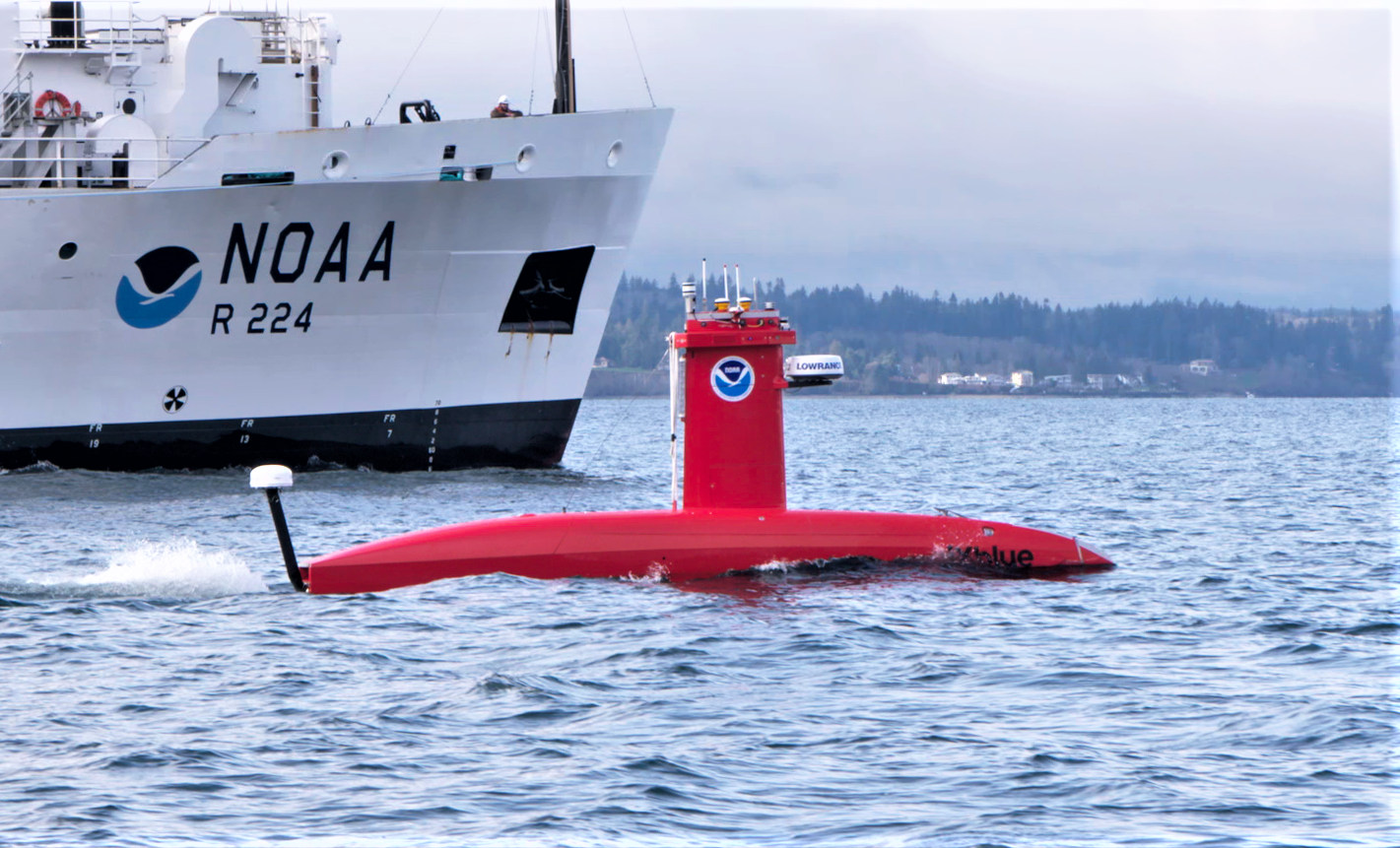
 Figure 5:
 The RAT, with its rich metadata on data quality, source, and uncertainty, provides the ground truth needed for an autonomous system to navigate safely and efficiently.
The underlying technology is not flashy, but it is fundamental for the future of both human-centered and autonomous marine navigation.

No comments:
Post a Comment